I recently bought a Sanyo Wavy PHC-23J, a Japanese MSX2 computer with 64 KiB of main RAM and 128 KiB of VRAM. At first it appeared to work perfectly: it reached MSX BASIC and I could ran SymbOS and GEOBENCH on it. I left it running for a while, at the GEOBENCH screensaver (mountain), however when I returned I found it had frozen, the screen was not moving. After switching it off, it would no longer boot.
Browsing the Internet on SymbOS
Browsing the modern Internet from an 8-bit computer is no small feat. SymZilla was originally developed by SymbOS’s Prodatron as a document viewer. My contribution was to add networking and support for displaying simplified HTML pages, helping bring web browsing to SymbOS on classic machines.
The browser relies on GB-proxy, a companion proxy designed to reduce the complexity of today’s web. GB-proxy retrieves pages on behalf of the client, handles SSL/TLS connections, strips pages down to a simpler form of HTML, and shrinks and converts images into a format SymbOS can display. This lets the browser concentrate on presenting a practical, lightweight version of the web within the limits of the platform.
PS/2 to MSX mouse with an Arduino Nano
I was able to put together a cheap PS/2-to-MSX mouse interface using an Arduino Nano. The project works by using the Arduino Nano as the bridge between a standard PS/2 mouse and the MSX mouse port.
The design is based on denjhang’s MSX Nano Mouse 2025 repository, which provides both the Gerber files for the PCB and the firmware source code. Having those files available made the build straightforward and inexpensive: I could order the board, assemble the small set of components, flash the Nano, and connect a PS/2 mouse.
Smoke testing the Omega MSX
After some initial setbacks, we are finally making progress with the Omega MSX.
The first problem was a defective Yamaha 8139 chip, which prevented the system from booting at all. Once that was resolved, we were able to get the machine to display C-BIOS and its diagnostic screens.
That revealed a second fault: capacitor C64 was measuring only 68 µF, rather than its specified 220 µF. This was responsible for a strange yellow ghosting effect on the display.
Javascript 1984
The 1984 emulator is now available in the browser.
This JavaScript and WebAssembly build brings the emulator to the web, allowing it to run directly in a modern browser without a separate native installation. WebAssembly handles the performance-sensitive emulation work, while JavaScript provides the browser integration and user interface. Might as well provide the same interface to 1983 and 1985 as well. Only doubts: the CSS template seems to be too much similar across similar projects. You can try them here:
New MSX developments
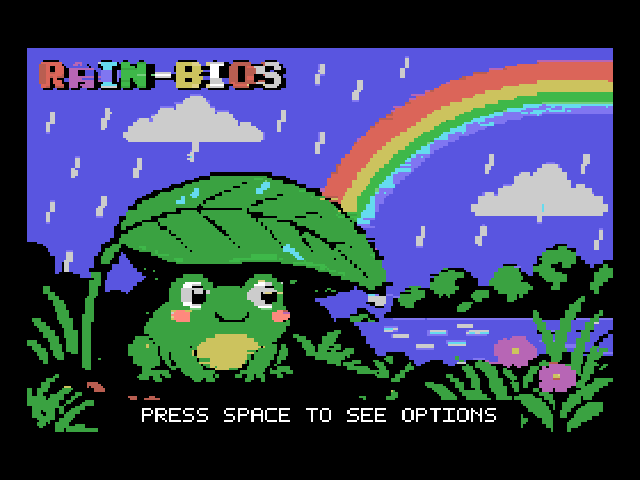
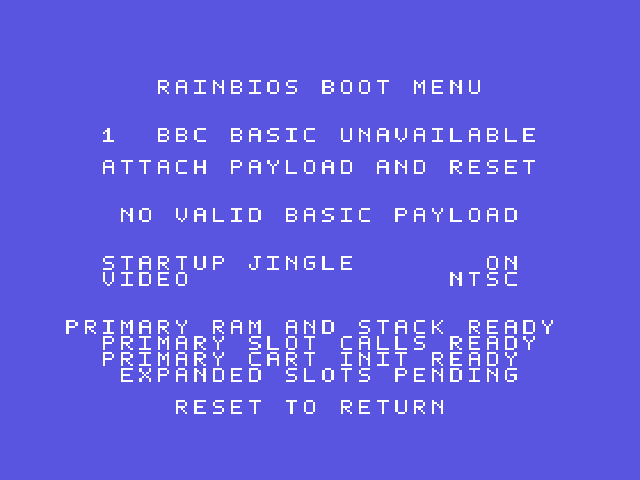 I have beend digging a lot recently, on the MSX side of things. After making sure GEOBENCH would run properly on the platform
and developing a UNAPI-compatible network daemon for SymbOS (which is at the moment ‘unreleased’ until I hear from
Prodatron). I decided to dedicate some time to the issue of ‘having an open source bios for the MSX which can run basic
and launch cartridges’. I named the project : rainbios .Right now it kinda boots
and lets you boot simple game cartridges that do not require disk or other particular hardware. A second rom has been added with
the Z80 version of the BBC basic and can be run from the menu. Basic kinda works but it’s still early in the process and I am
expecting lots of bugs.
I have beend digging a lot recently, on the MSX side of things. After making sure GEOBENCH would run properly on the platform
and developing a UNAPI-compatible network daemon for SymbOS (which is at the moment ‘unreleased’ until I hear from
Prodatron). I decided to dedicate some time to the issue of ‘having an open source bios for the MSX which can run basic
and launch cartridges’. I named the project : rainbios .Right now it kinda boots
and lets you boot simple game cartridges that do not require disk or other particular hardware. A second rom has been added with
the Z80 version of the BBC basic and can be run from the menu. Basic kinda works but it’s still early in the process and I am
expecting lots of bugs.
onechipbook wifi and GEOBENCH
Photos
 GEOBENCH browser
 GEOBENCH telnet
I recently updated the ESP-01S Wi-Fi module inside my OneChipBook. The firmware and tools I used came from the links in Oduvaldo Pavan Junior’s YouTube video:
The package included Espressif’s Windows Flash Download Tool, but I did not use it in the end. The current .exe did not run correctly on my Windows 7 machine, so I flashed the ESP-01S directly from Linux using Espressif’s command-line tool, esptool.py.
You will also need the correct firmware from here, as the one in the video has a problem where it won’t save the WiFi settings:
Complexity over 10000
Dealing with my new pet project ‘NixBench’ a sort of Wayland-based desktop for NetBSD (probably portable to other platforms as well). The level of layering and complexity modern *nix desktops have reached due to historical reasons is ridiculous. For every application you need to take into account the native layer, the GTK compatibility one the X.org/Xwayland one. When there is an issue and things don’t work as expected is usually a problem of plumbing between all these layers.
To the Sky and beyond
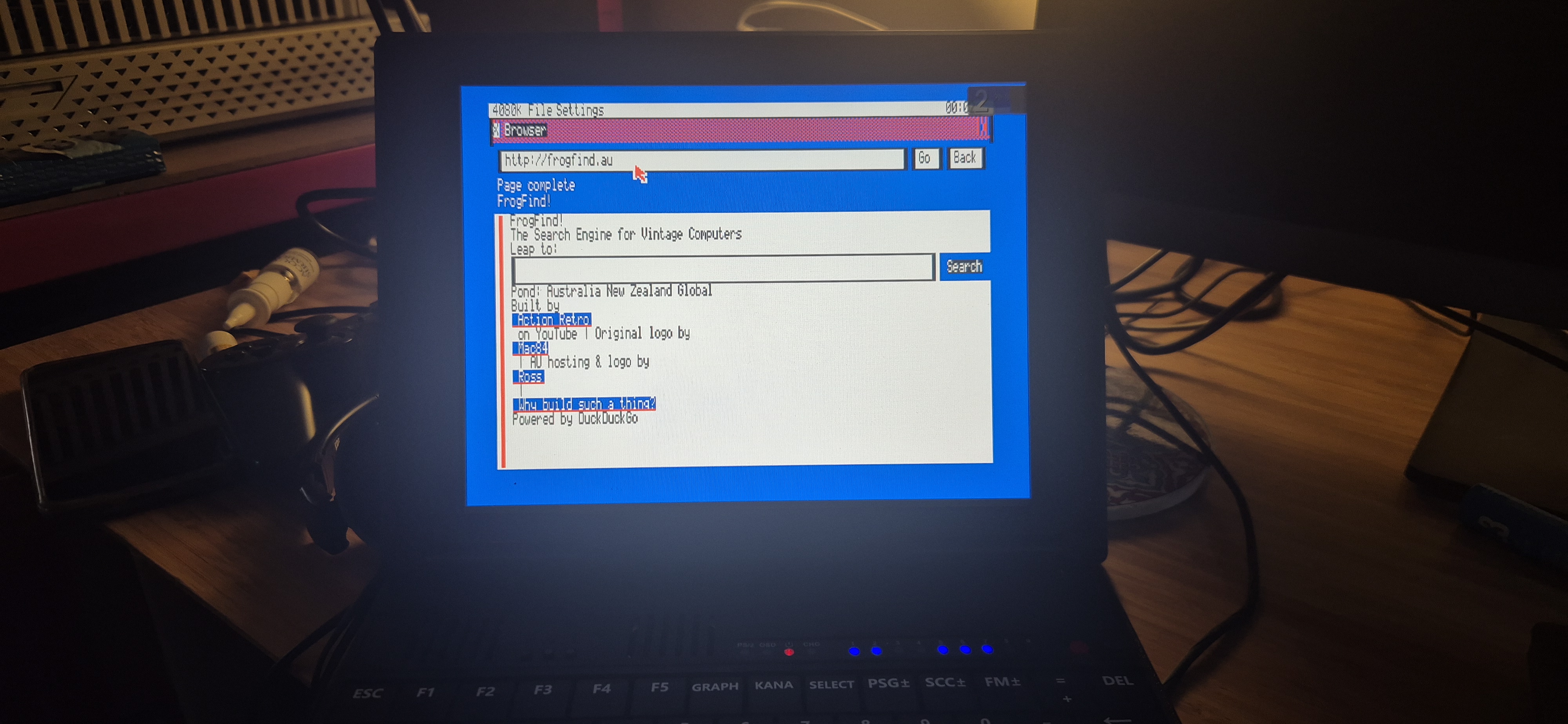
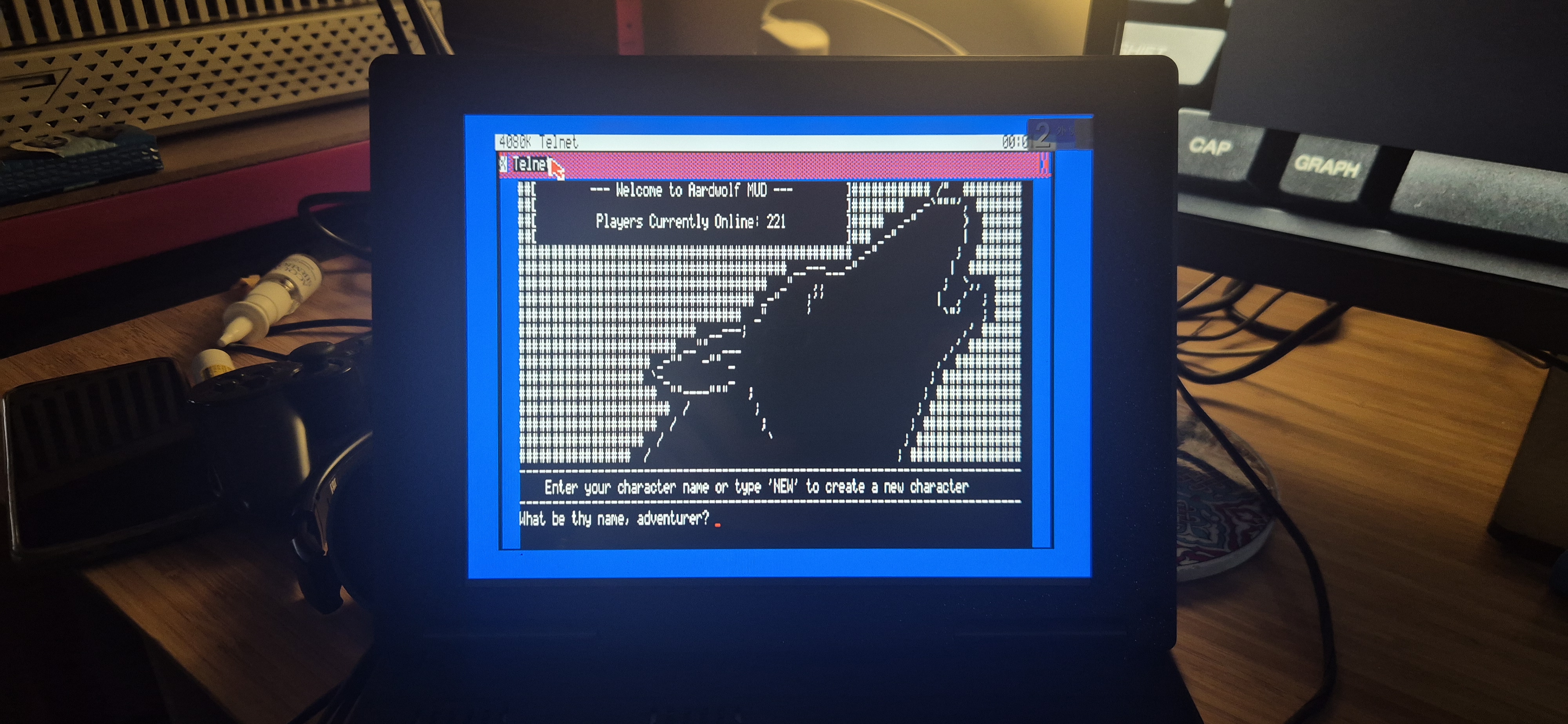
Half jokingly I started the endeavour of having a proper browser running under GEOBENCH and ta-da it’s ready!!! Hammering down some issues here and there, properly caching HTML is not an easy task on an 8-bitter and hopefully it will work well with retro proxies too. Half jokingly I thought this would be the first browser to run on the PCW proper. Will the world ever notice? haha
AI or not AI?
- Hey , you know, you can ask an AI agent to take over this stuff and it will help you rebuild or port it over to your target architecture very quickly! -
- I don’t use AI. LOL -
This is the kind of reaction most people in the development community still has about using the AI tools to do their work. I think it is a decision I can respect but , in my opinion, is not a decision that has been thought through and through. It is, so to speak, a knee-jerk reaction and I can totally understand why. Let’s say you have spent a good chunk of your life doing development in , say, assembler or C or even something more obscure like Delphi or Pascal you probably will feel disoriented right now. The world has changed and it has changed fast. Knowledge has changed too.